One entry point for AI coding tools
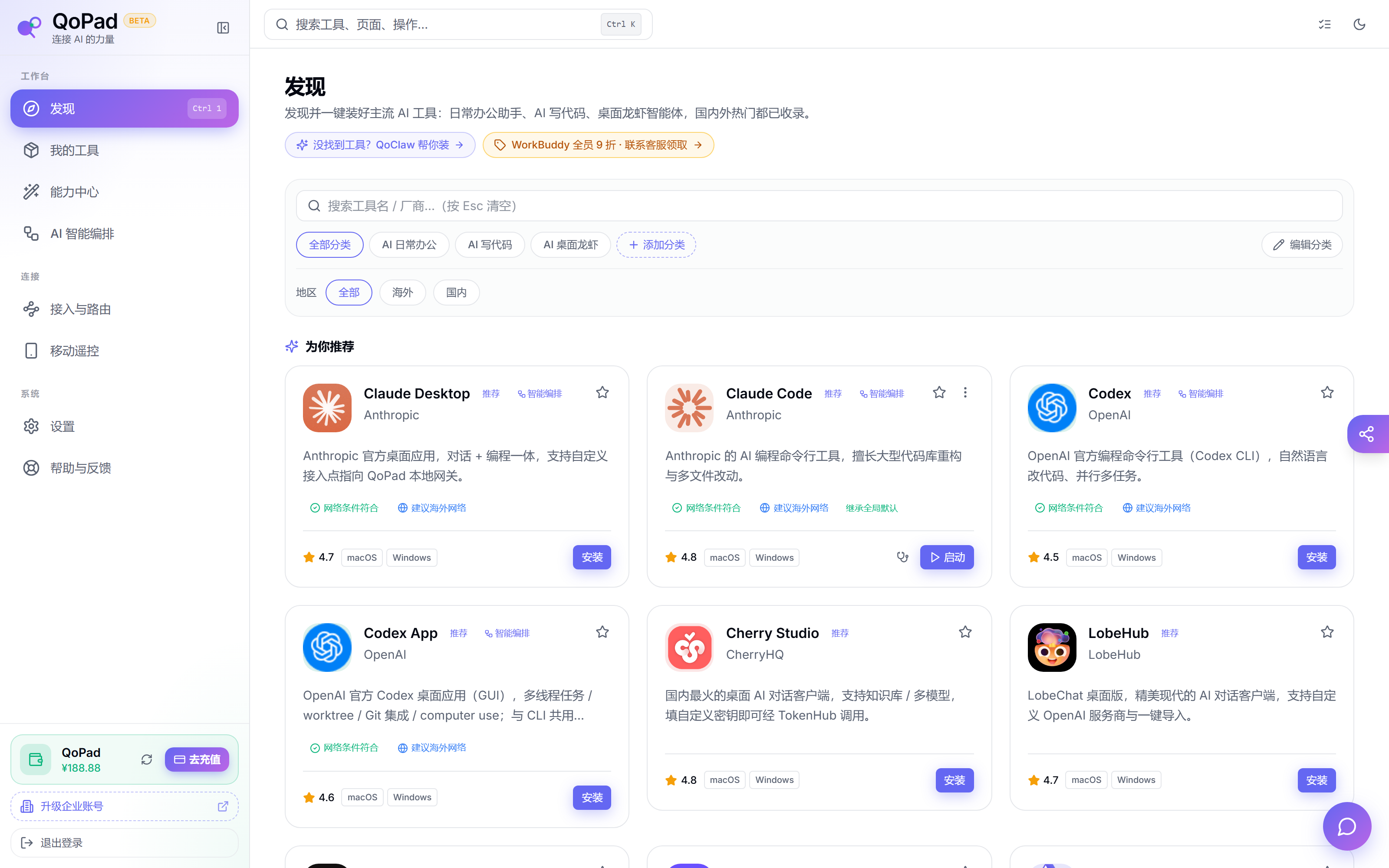
QoPad brings installation, detection, launch, and configuration for Codex, Claude Code, Cursor, Aider, OpenCode, and related tools into one desktop surface.
AI tool workspace
Install coding agents, configure an OpenAI-compatible local gateway, run MCP capabilities, format articles, create social posts, and route models from one desktop app.
These pages describe existing QoPad desktop capabilities and route download traffic to TokenHubHK.
QoPad brings installation, detection, launch, and configuration for Codex, Claude Code, Cursor, Aider, OpenCode, and related tools into one desktop surface.
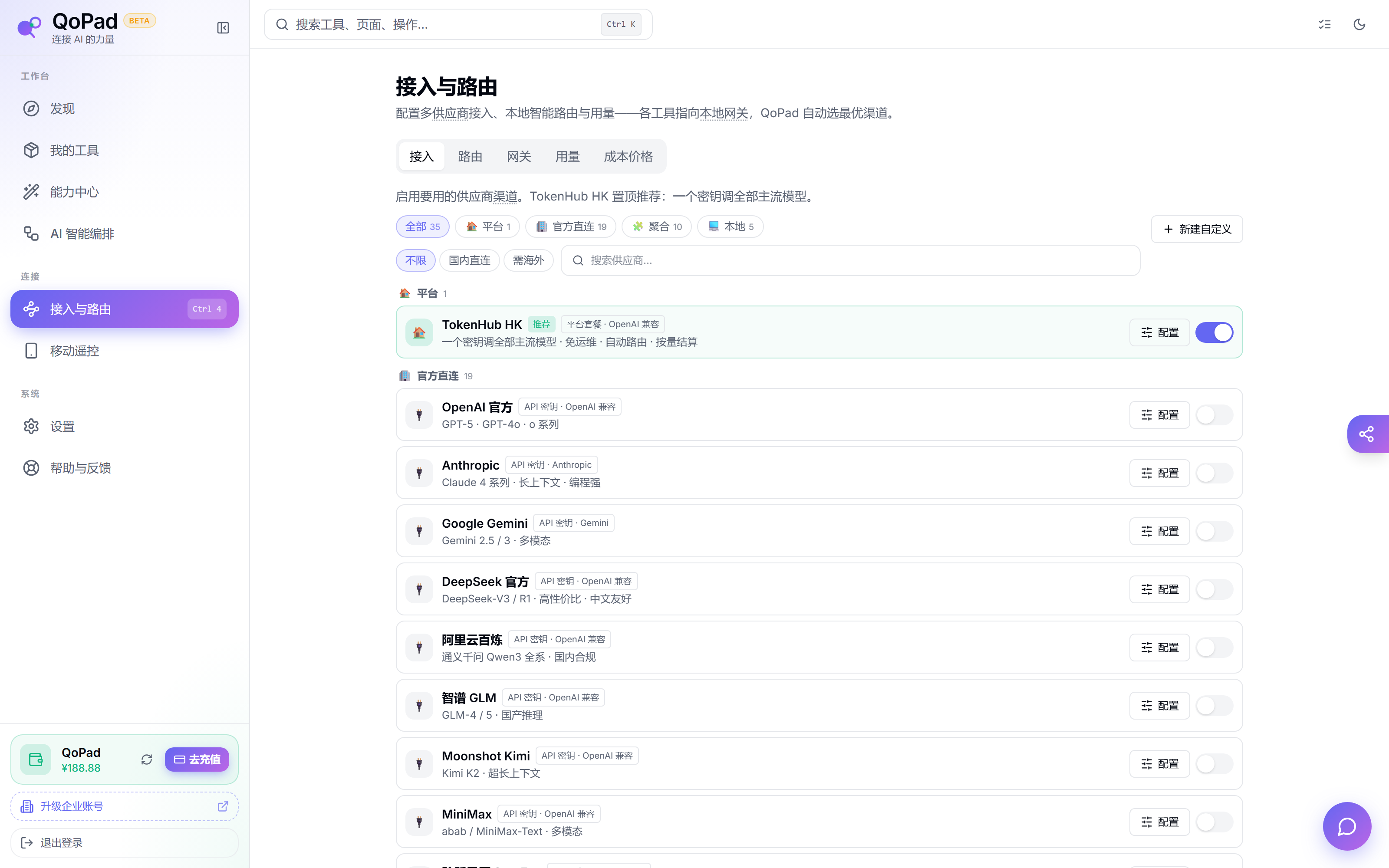
The local gateway accepts OpenAI-compatible traffic so tools can point to QoPad while TokenHubHK handles models, providers, balance, and routing policy.
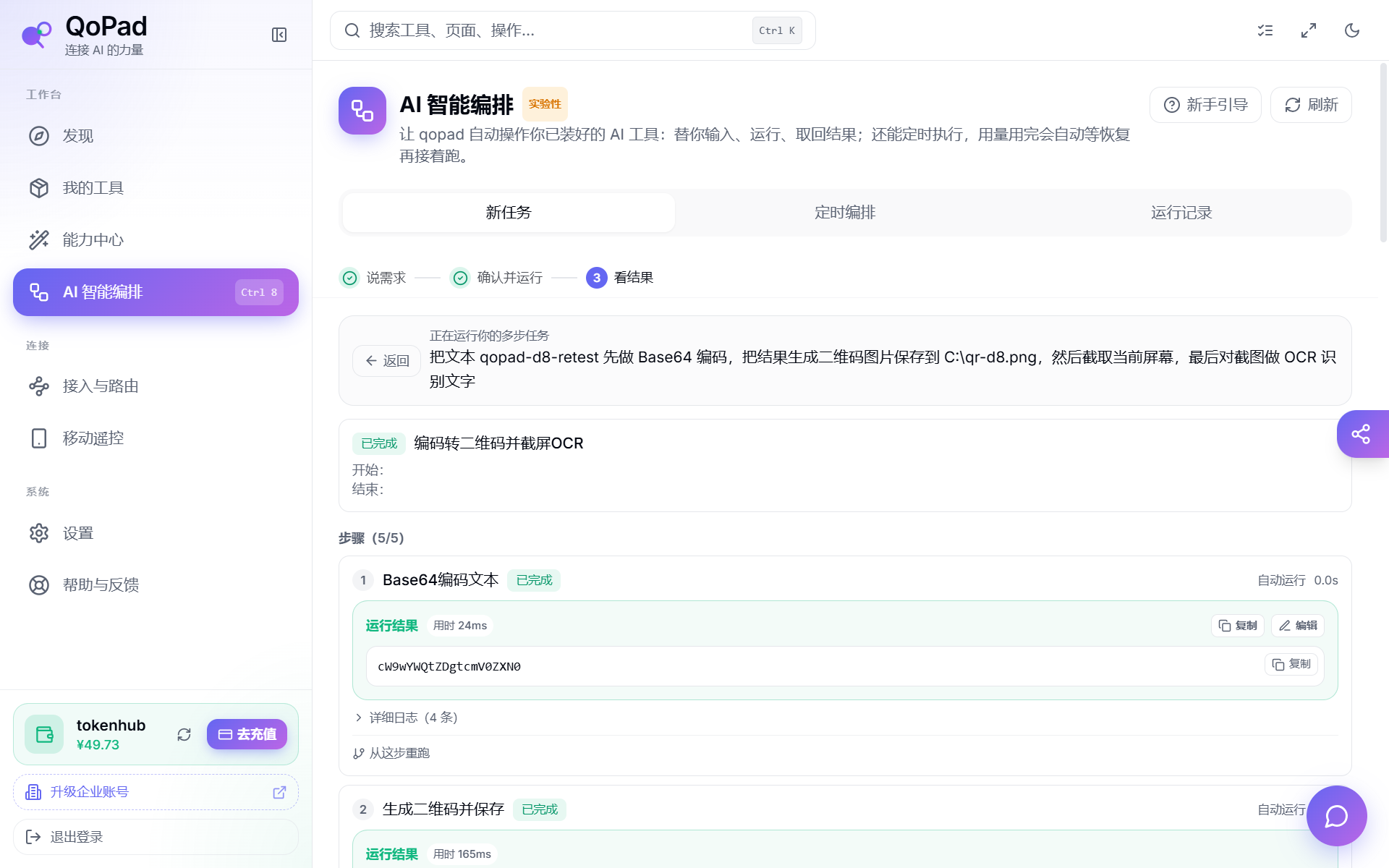
Article formatting, WeChat styles, Xiaohongshu cards, Moments posts, MCP tools, and file conversion can all become orchestration steps for real work.
Enter through tools, features, or articles, then download from the unified page.